

Disabling the sorting of search results by their relevance
By default, sorts search results by their relevance. For more information on how document relevance in relation to the search term is determined, see Search result sorting.
This behavior can be prevented so that search results are sorted by user preference instead. Make the following changes on the computer to prevent search results to be automatically sorted by their relevance:
-
-
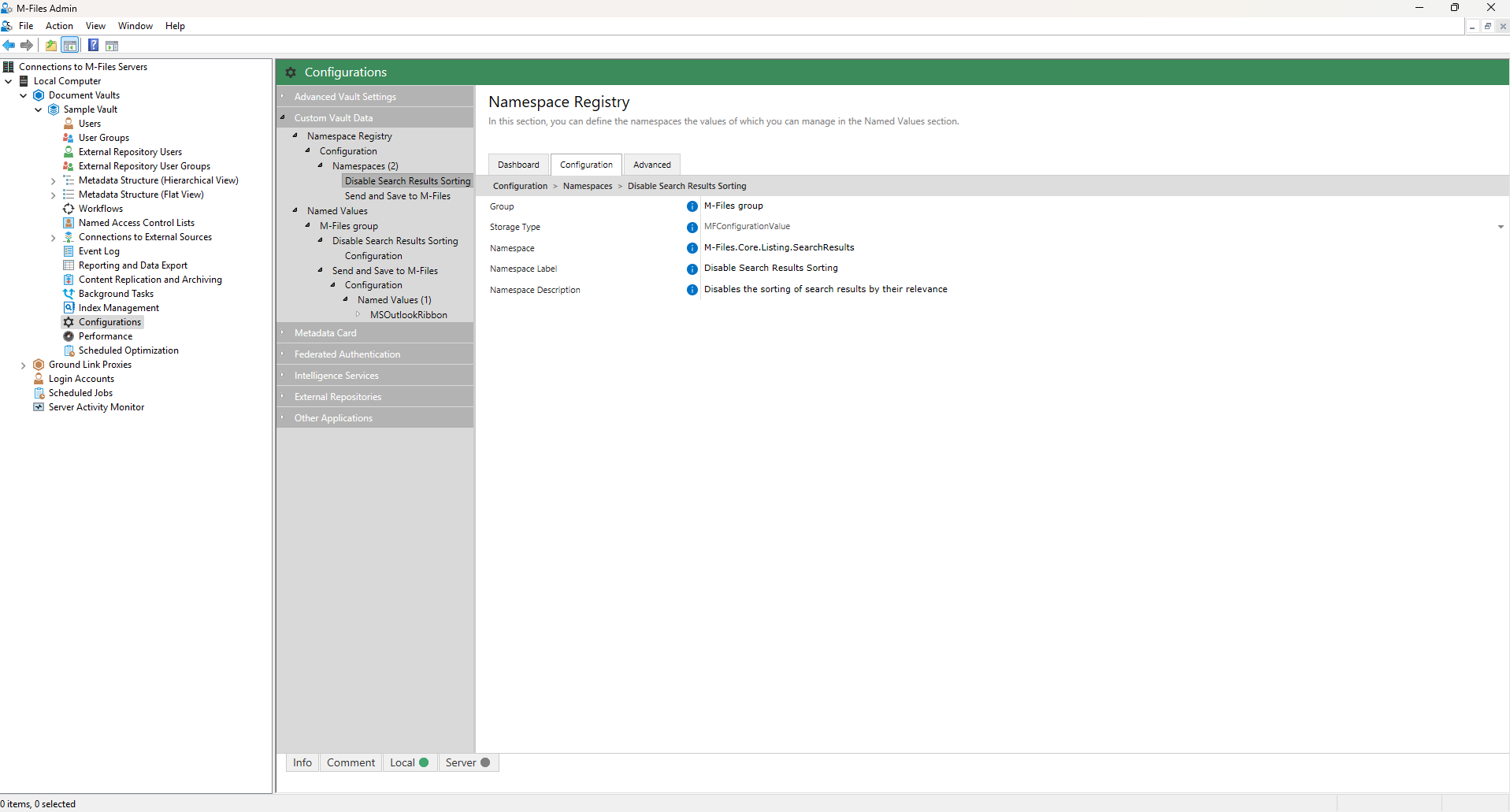
- In the Namespace field, enter the namespace , and in the Namespace Label field, enter a custom label for the namespace shown in the Custom Vault Data configuration.
-
-
Select Save to save your configuration.
Your configuration must now be similar to the example shown below:
-
-
-
- In the Name field, enter the following value: RememberSearchResultsSortingCriteria
- In the Value field, enter the following value: true
-
- Optional: If you use the classic , you can also make the following Advanced Vault Settings change on the .
- Go back to your vault Configurations.
-
-
-
-
- Select Classic Web.
- Expand Search from the navigation area.
-
Enter the property ID in the Default Search Sort Property
ID field.
You can find the property ID used for sorting search results in the Property Definitions section. For example, to sort documents by name or title, enter the property ID 0.