

External Repository Users
When you connect a document vault to an external repository using the technology, users in the external repository are imported to .
The External Repository Users view in allows you to manage and refine associations between users and external repository users. When you associate an user with an external repository user, the user inherits the access rights of the external repository user. This way you can refine the access rights of an user to external repository content.
 To refine access rights of external repository content, you must map external
repository users with users in .
To refine access rights of external repository content, you must map external
repository users with users in .Depending on your connector configuration, automatic associations between users and external repository users may be established in external repository connections. See Automatic Association for more information.
Complete the following steps to associate an user with an external repository user:
-
-
-
-
-
Select External Repository Users.
Tip:
-
Double-click an external repository user.
Result:The User Properties dialog is opened.

-
To associate an user with the selected external
repository user, click the Add... button.
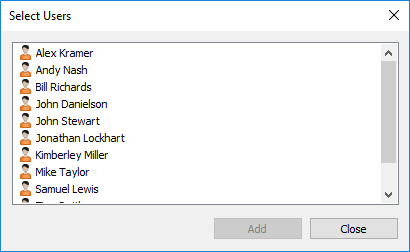
Result:The Select Users dialog is opened.
-
Select the user or users that you want to associate
with the selected external repository user and then click
Add.
- Click OK to close the User Properties dialog.