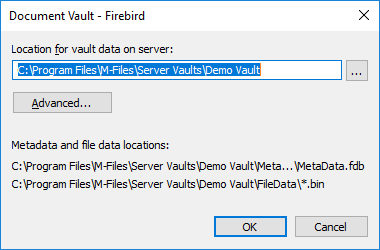
Using as the Database Engine
is an SQL database engine integrated in .
uses as the default vault database engine. We recommend that is used if the vault contains . If a vault has originally been set up to use but the number of objects in the vault and the size of the metadata file has since then significantly increased, migrate the vault database to .
We recommend that you start to plan migration to when the size of the metadata file for a vault is close to 1 GB. For instructions on checking the metadata file size, see Checking the size of a metadata file.
You can apply a registry setting to extend usability to 2 GB per vault. You can use also after this limit has been exceeded, but, for performance reasons, is in this case the recommended database engine.
To open the vault settings for the engine:
-
-
- Expand Document Vaults.
- Right-click a vault.
-
Click Properties.
Result:The Document Vault Properties dialog is opened.
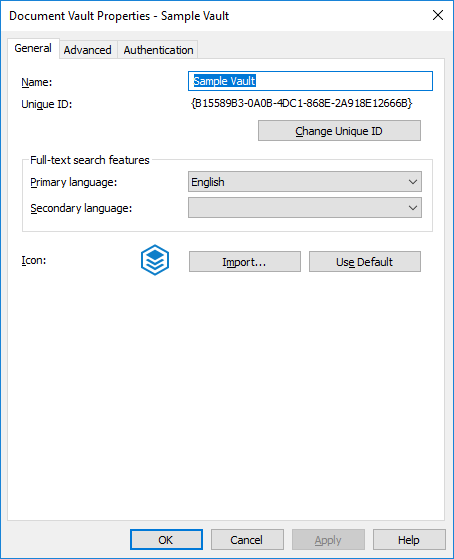
- Open the Advanced tab.
-
Click Define... under the Use Firebird
option to open the settings for the engine.
Result:The settings dialog is opened.