

User Interface Overview
This section gives an overview of the user interface for M-Files Ment. Select different parts of the screenshot below for a description of the areas.
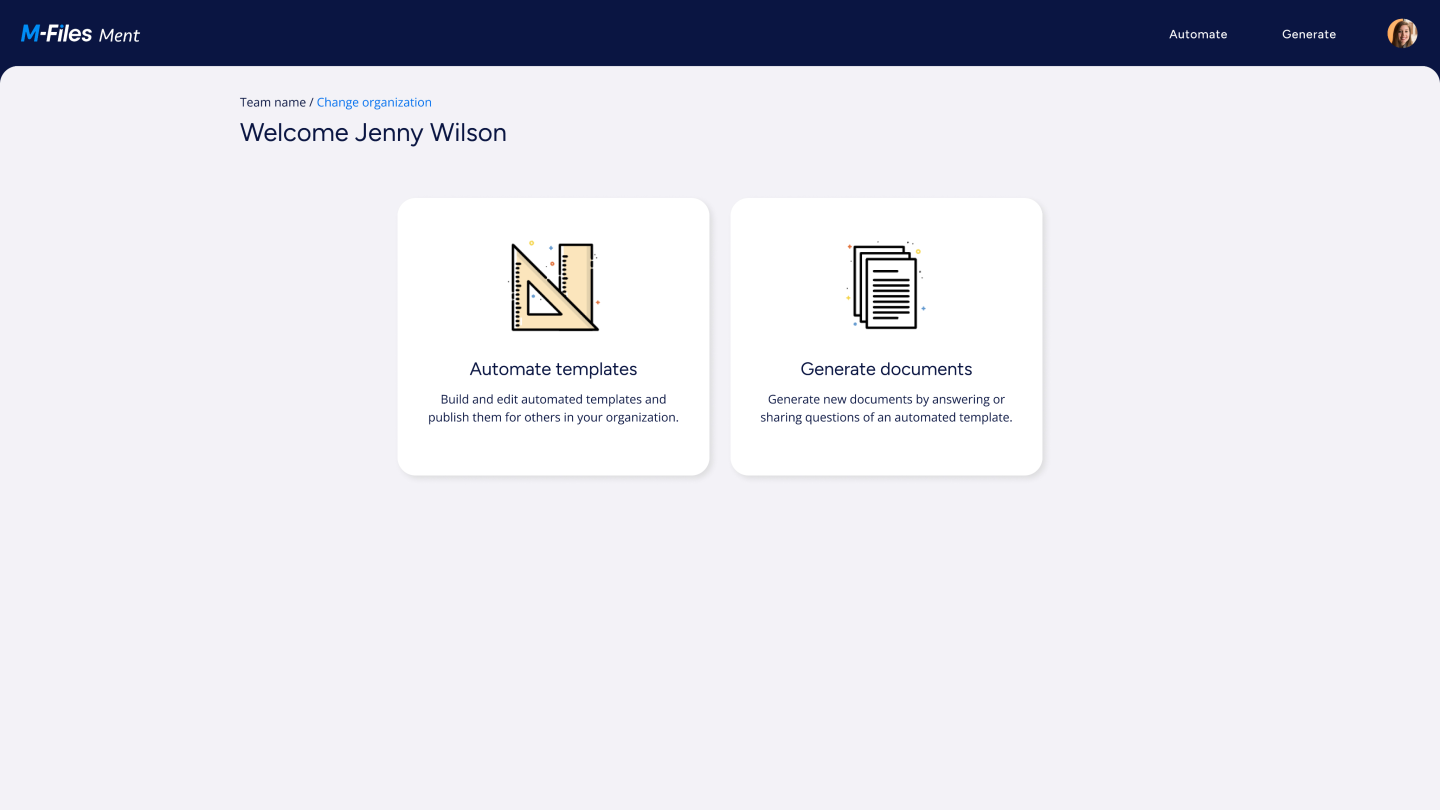
Home page
The home page opens when you log in to M-Files Ment. To go to the home page from another page, select the M-Files Ment icon on the navigation bar.
Automate templates
Select Automate templates in the middle to build and edit automated templates. You can then publish them for others in your organization.
Generate documents
Select Generate documents in the middle to generate new documents. You can then answer or share questions on an automated template.
User icon
Select the user icon in the top-right corner of the navigation bar to:
- Edit your personal information and change your password.
- Change the vault language.
- See your M-Files Ment version.
- Log out from your user account.
- Manage users (admin users only).
- Manage organization settings (admin users only).