

Checking Windows event logs
Check events related to M-Files in the Windows event log on a regular basis for any problems, especially problems related to backups. You can use a PowerShell script or a third-party application to send email notifications when any events occur.
-
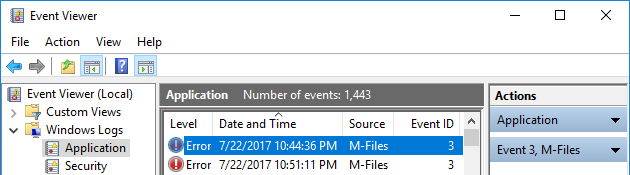
Select Application.
Result:The application log opens:
Note: If there is enough disk space on the server computer, it is
recommended to expand the maximum log size of the Application log to, for
example, 200,000 KB to cover more events. In some error cases, a large number of events can be
recorded to the log, which makes the default log size of approximately 20 MB fill very quickly. This
can make it impossible to find the origin of the problem. To change the log size, by open the context
menu of the Application node in the left-side tree view and select
Properties. It is not usually necessary to expand the log size of the client
computers, but it can sometimes help.